Input
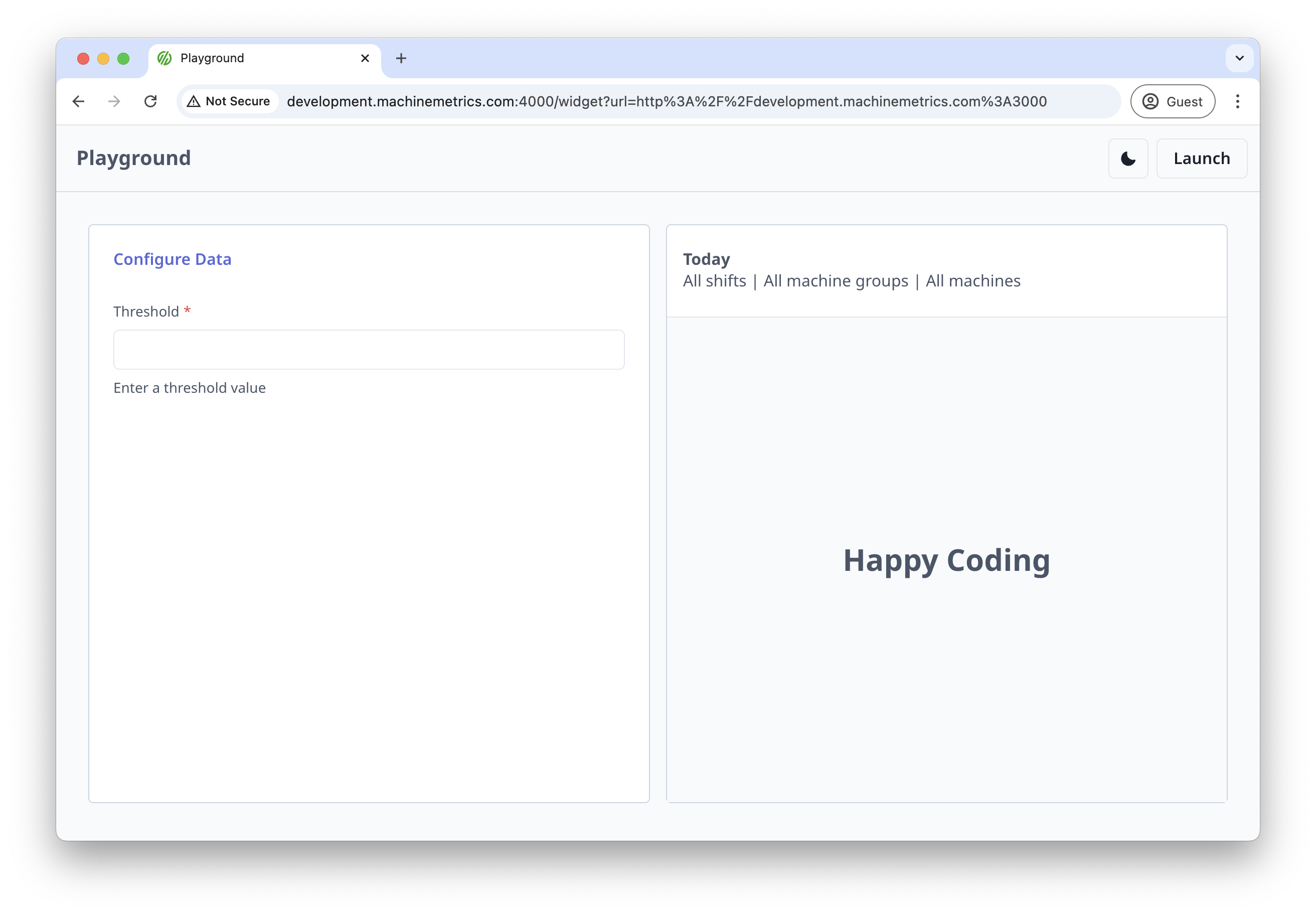
Input settings allow users to enter text or numeric values in your widget. This is one of the most common setting types and is perfect for collecting simple user input.
Basic Usage
import { useMMAppSetting } from '@machinemetrics/mm-react-tools';

function MyWidget() {
  useMMAppSetting('threshold', {
    label: 'Threshold',
    type: 'input',
    isRequired: true,
    helperText: 'Enter a threshold value',
  });
}
Properties
| Property | Type | Description |
|---|---|---|
label | string | Display label for the input field |
type | "input" | Must be set to "input" |
isRequired | boolean | Whether the input is required |
helperText | string | Help text displayed below the input |
validate | function | Validation function for the input value |
default | string | Default value for the input |
Validation
You can add custom validation to ensure the input meets your requirements:
useMMAppSetting('threshold', {
  label: 'Threshold',
  type: 'input',
  isRequired: true,
  helperText: 'Enter a number between 0 and 100',
  validate: ({ value }) => {
    const num = Number(value);
    if (isNaN(num)) {
      return { message: 'Must be a number' };
    }
    if (num < 0 || num > 100) {
      return { message: 'Must be between 0 and 100' };
    }
    return null;
  },
});
Examples
Numeric Input with Validation
useMMAppSetting('refreshInterval', {
  label: 'Refresh Interval (seconds)',
  type: 'input',
  default: '30',
  helperText: 'How often to refresh the data',
  validate: ({ value }) => {
    const num = Number(value);
    if (isNaN(num) || num < 1) {
      return { message: 'Must be a positive number' };
    }
    return null;
  },
});
Text Input with Pattern Validation
useMMAppSetting('machineId', {
  label: 'Machine ID',
  type: 'input',
  isRequired: true,
  helperText: 'Enter the machine ID (format: MM-XXXX)',
  validate: ({ value }) => {
    if (!/^MM-\d{4}$/.test(value)) {
      return { message: 'Must be in format MM-XXXX' };
    }
    return null;
  },
});